Learning Outcomes
- Visit Foundry Connect home page
- Choose the correct sign-in option for your environment (Institutional Foundry or Foundry Connect Cloud)
- Log in using your institution’s credentials (SSO) or create a Foundry Connect Cloud account
Sign Up for Foundry Connect
- Navigate to Foundry Connect: Go to the Foundry Connect web page and click Log in.
Option A — Institutional Foundry (SSO)
Use this option if Foundry Connect is available through your institution.
- Enter your institution credentials: Input your institute’s login information. If you do not have an account, please reach out to us at biocore@umassmed.edu. If you require a login page specific to your institution, contact our support team at biocore@umassmed.edu.
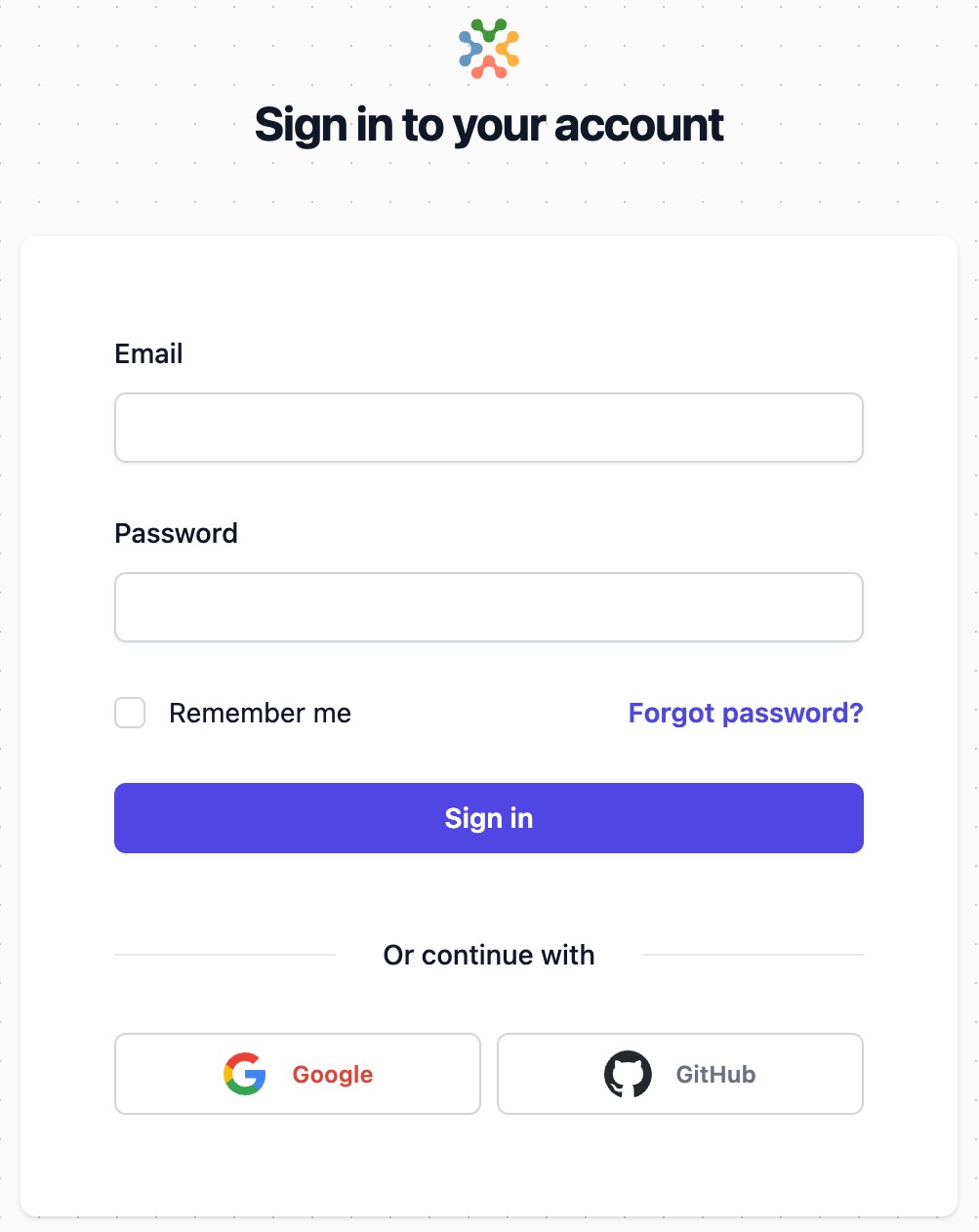
Option B — Foundry Connect Cloud (SaaS)
Use this option if your team is using the Foundry Connect Cloud (SaaS) environment.
- Create an account: Go to the Foundry Connect Cloud login page (www.gcp.viafoundry.com), then click Create account and follow the prompts to register.